
Engineering, assemblies and routings
What you will learn
Define the product, components and production sequence.
Worked example
An assembly consumes sheet and screws through CUT, ASSEMBLY and FINISH. A second laser is an alternative; an extra operator is simultaneous capacity.
From data to result
- 1Components
- 2Phases
- 3Routing
- 4Manufacturing set
Assemblies define components and phases; routings define sequence and required capacity. Enter setup, run, wait, transport and cleanup using decimal values. Overlap lets a phase start before its predecessor has fully finished. Configure alternatives to move work and simultaneous capacities when several capacities must be reserved together.
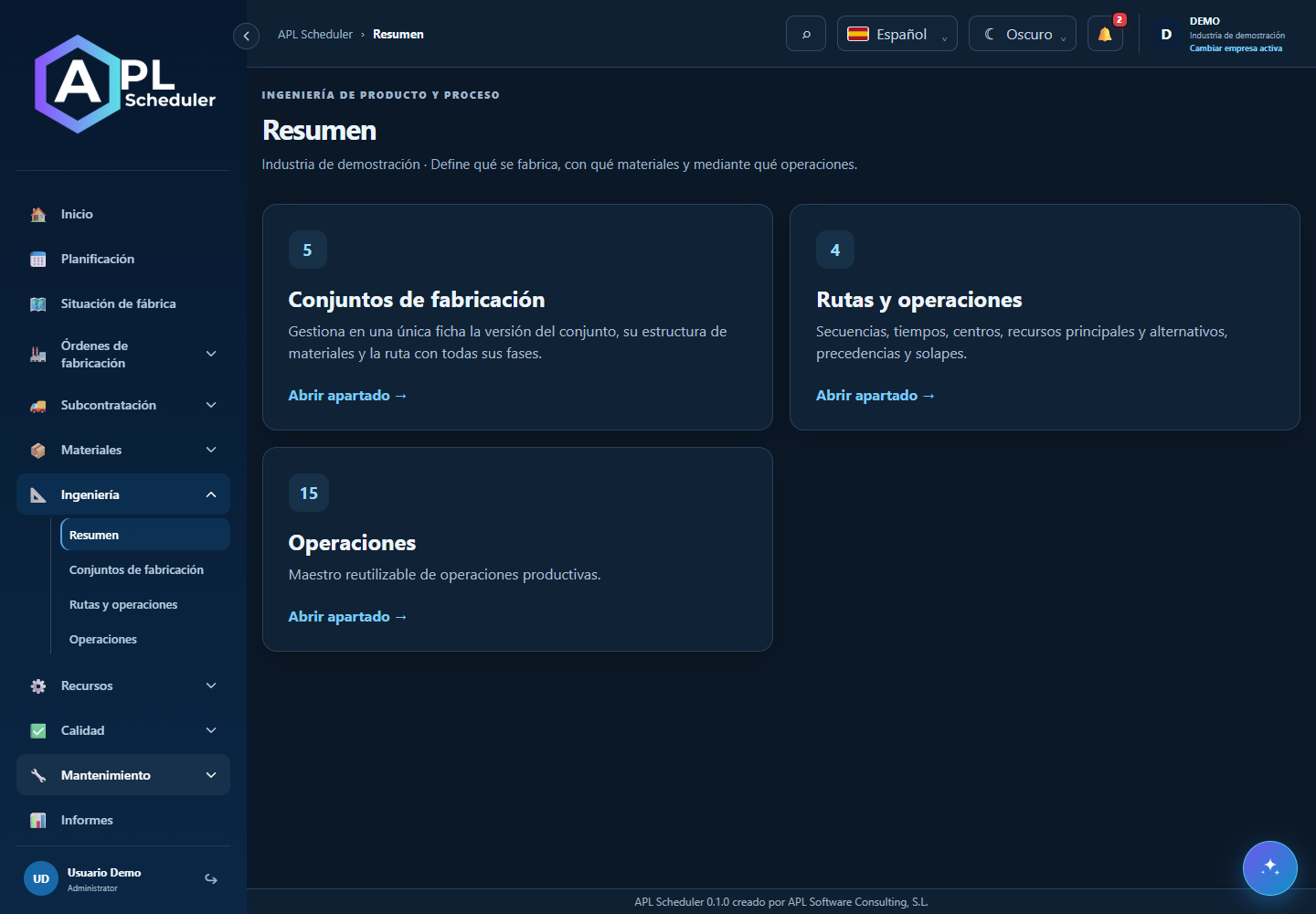
- 1Review the article manufacturing structure before creating or interpreting an order. The bill of materials defines components and quantities; the routing defines production phases.
- 2Check sequence, primary centre, alternatives and additional capacities. Distinguish setup, time per unit, queue, wait, transport and cleanup; not all create a gap between Gantt bars.
- 3Use real process dependencies and lags. An alternative must support the operation; being idle is not enough.
- 4Review any offered simulation after changes. Do not assume routing edits automatically update every existing order; inspect its phases and materials.
Visual walkthrough
 Download video
- 0:00 · Open the routing catalogue.
- 0:06 · Select RUTA-DEMO to inspect its definition.
- 0:12 · Review phase sequence and capacity. Leave without saving when only reading.
Before you finish
Check version/status, component quantities and units, phase times and links to compatible work centres and resources.
Common questions
An option is missing or I cannot edit
Check active company, licence, permissions and integration-managed fields. Do not use a direct URL to bypass restrictions.
I cannot find records
Clear filters and check page, dates and company. There may be no accessible data; do not create duplicates to test.
I saved but cannot see the expected effect
Reopen the record and verify. Saving data does not publish a required simulation. Check whether the first write succeeded before repeating it.