
Maintenance and breakdowns
What you will learn
Record actual downtime and review production impact.
Worked example
A breakdown from 13:15 to 18:15 interrupts started work: check the executed segment and remaining work after downtime or on an alternative.
From data to result
- 1Asset
- 2Intervention
- 3Downtime
- 4Simulation
Link the asset to the correct work centre or resource and specify whether work stops production. An active breakdown blocks capacity during its dates; future maintenance is shown as upcoming, not as a current fault. After saving an impacting change, review the simulation: executed work is retained up to the stoppage and only the remainder moves after it or to a valid alternative.
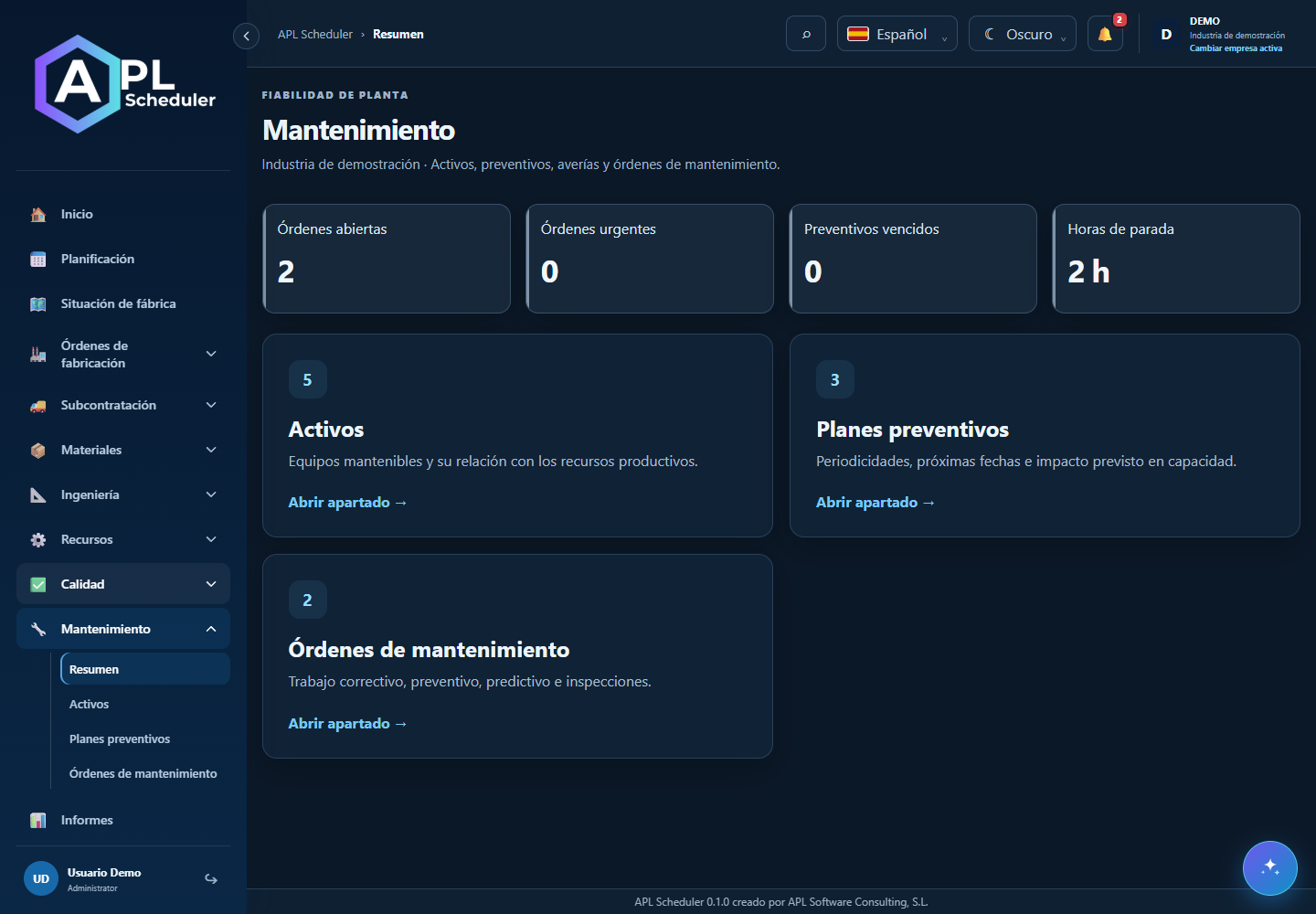
- 1Identify the affected asset or capacity. Create the breakdown or work order with description, status and expected dates; check whether it blocks production.
- 2For a schedule-affecting change, accept the planner and review the simulation. A stoppage may preserve executed work and reschedule the remainder after the stop or on a compatible alternative.
- 3Distinguish an active breakdown from future maintenance. Future work does not mean the machine is down now.
- 4After intervention, update status and actual dates. Review freed capacity in a proposal before publishing; do not delete evidence of real downtime.
Visual walkthrough
 Download video
- 0:00 · Open maintenance orders.
- 0:06 · Open OM-DEMO-001.
- 0:12 · Check asset, dates and production stop. Reading does not start a simulation.
Before you finish
The asset matches the capacity, dates and stop flag are correct and the proposal does not work through downtime.
Common questions
An option is missing or I cannot edit
Check active company, licence, permissions and integration-managed fields. Do not use a direct URL to bypass restrictions.
I cannot find records
Clear filters and check page, dates and company. There may be no accessible data; do not create duplicates to test.
I saved but cannot see the expected effect
Reopen the record and verify. Saving data does not publish a required simulation. Check whether the first write succeeded before repeating it.