
External production
What you will learn
Control dispatch, external processing and return before internal continuation.
Worked example
Send 50 pieces for finishing and link the external order line to its production phase. Compare expected return with the next assembly need.
From data to result
- 1Supplier
- 2Dispatch
- 3External process
- 4Receipt
An external production order represents items sent to a supplier and the returned result, with lines linked to the relevant production order and operation. Enter supplier, quantities, dispatch and return dates; creation time may be used when dispatch is missing. APS respects the return before continuing internal phases but hides external phases from the Gantt for clarity.
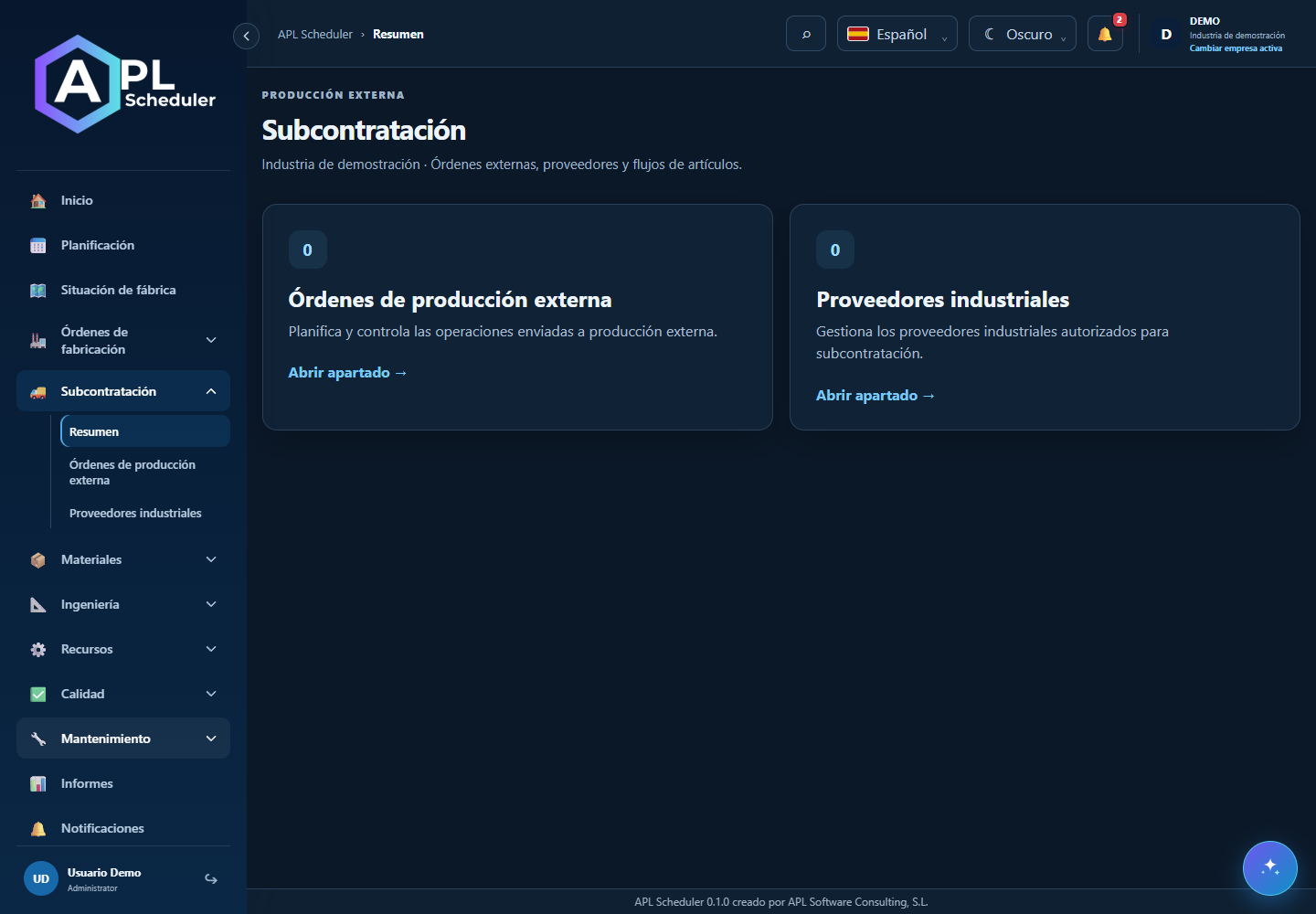
- 1Configure the industrial supplier and approved articles. Verify external centres or resources are marked as external and linked to the right process.
- 2Check external-order header, supplier, status and lines. Link each line to the relevant order and operation when it affects planning.
- 3Maintain planned, confirmed and actual dispatch/return dates. The Gantt can show external milestones and late returns; an external phase requires a valid external order.
- 4Record actual receipts and rejected quantities. Check downstream impact and never treat a planned return as an actual receipt.
Visual walkthrough
 Download video
- 0:00 · Open the external orders list.
- 0:06 · Select OPE-DEMO-001.
- 0:12 · Check supplier, production order and line quantities. Expected return is not actual receipt.
Before you finish
Supplier/article are authorised; order/phase, quantities, dates and receipt match the same line.
Common questions
An option is missing or I cannot edit
Check active company, licence, permissions and integration-managed fields. Do not use a direct URL to bypass restrictions.
I cannot find records
Clear filters and check page, dates and company. There may be no accessible data; do not create duplicates to test.
I saved but cannot see the expected effect
Reopen the record and verify. Saving data does not publish a required simulation. Check whether the first write succeeded before repeating it.